Sept
25
2026
08:10

Sept
25
2026
08:10
How to use our new webshop
Our new webshop lands on the 30th of September, here's how to use it
The farm's new webshop goes live on the 30th September. You'll reach it at the usual address, zsambokibiokert.hu, and the switchover is happening next Tuesday.
Translating it. If you need to use the site in English, please use your browser extension to translate it. Select Translate in a Google Chrome browser and select English.


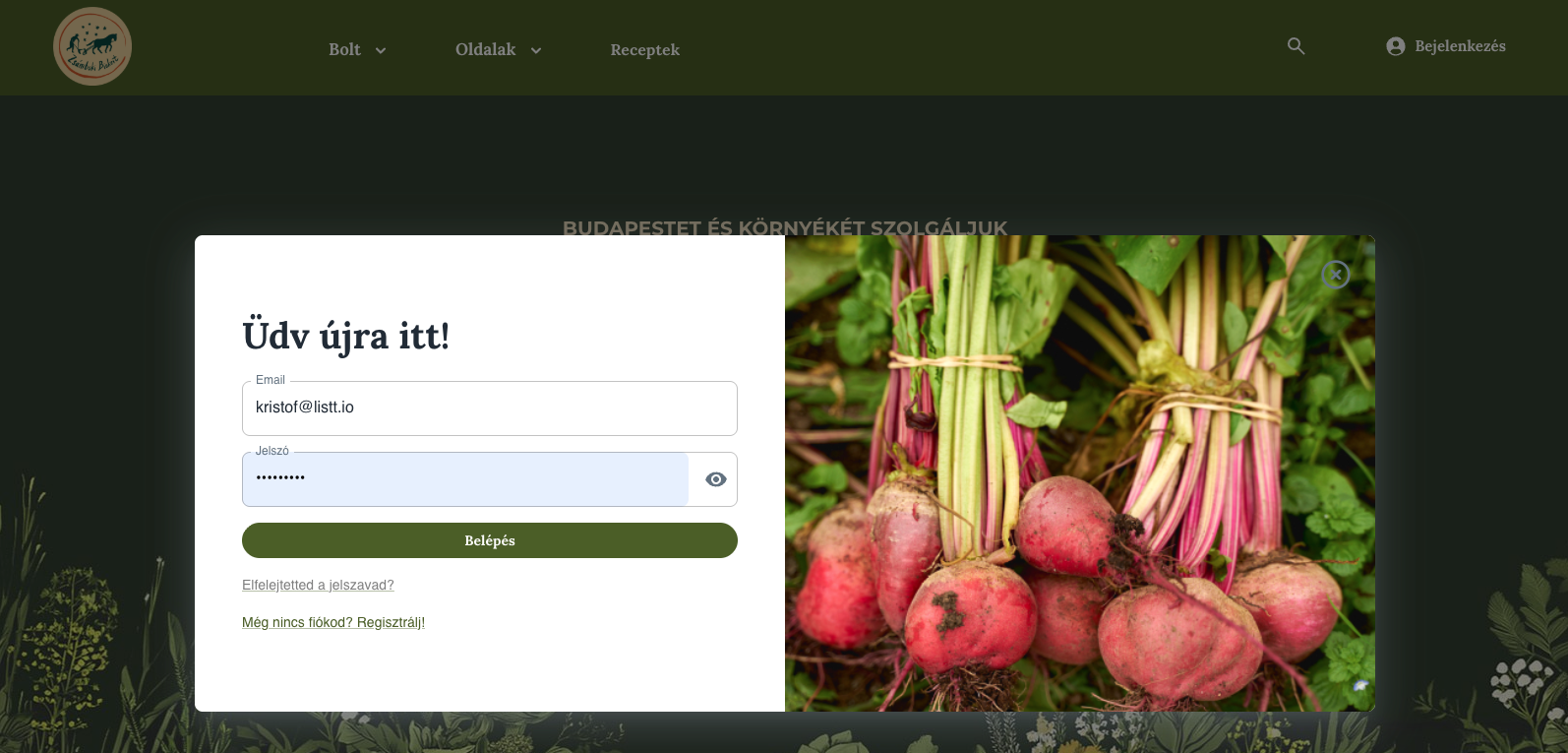
Logging in. If you've already created your new account, sign in with the email and password you set up. If not, you can register using the button, and you're welcome to use the same email address as before.
Check your profile. After logging in, look over your profile to make sure your details are saved correctly, such as your address and pickup point.
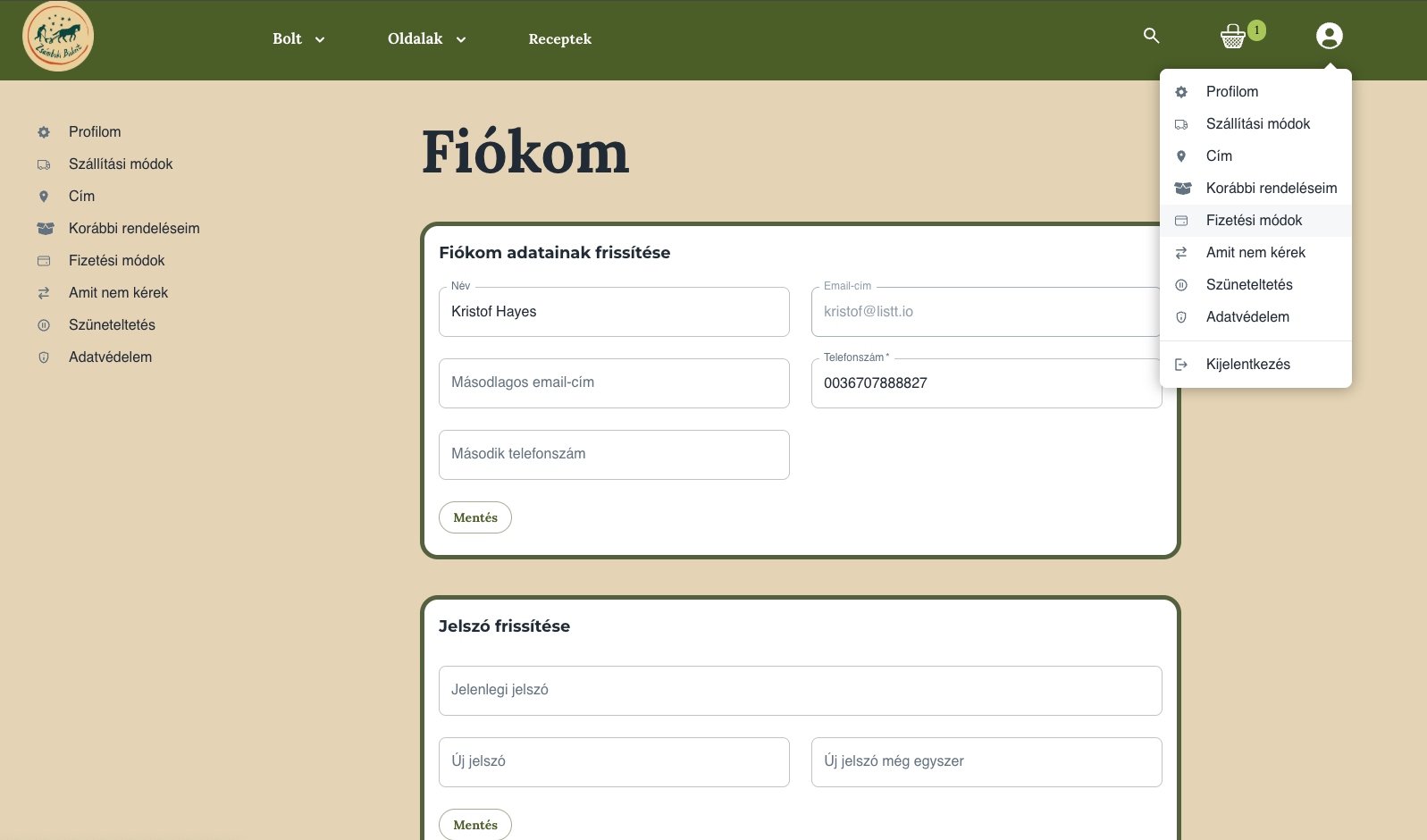
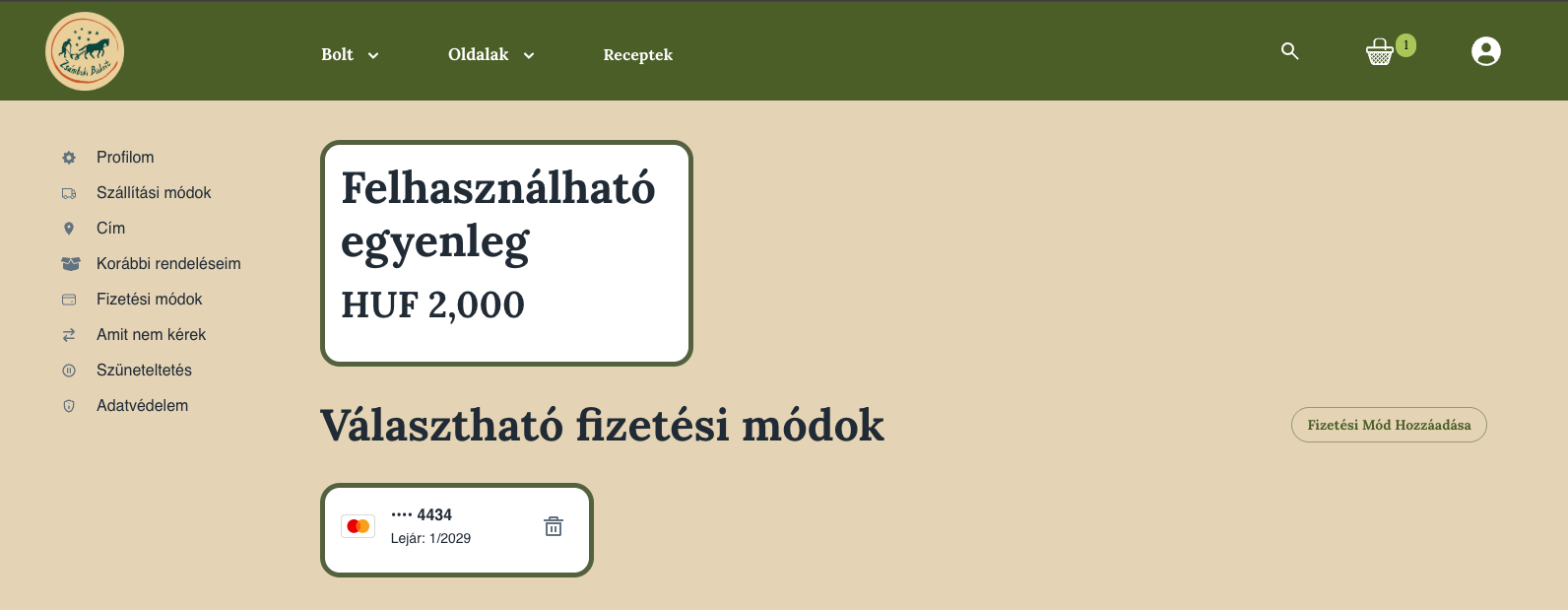
Add a payment card. If you haven't saved a bank card yet, you can do that under the payment methods menu. If this causes any trouble, email info@zsambokibiokert.hu and they'll help.
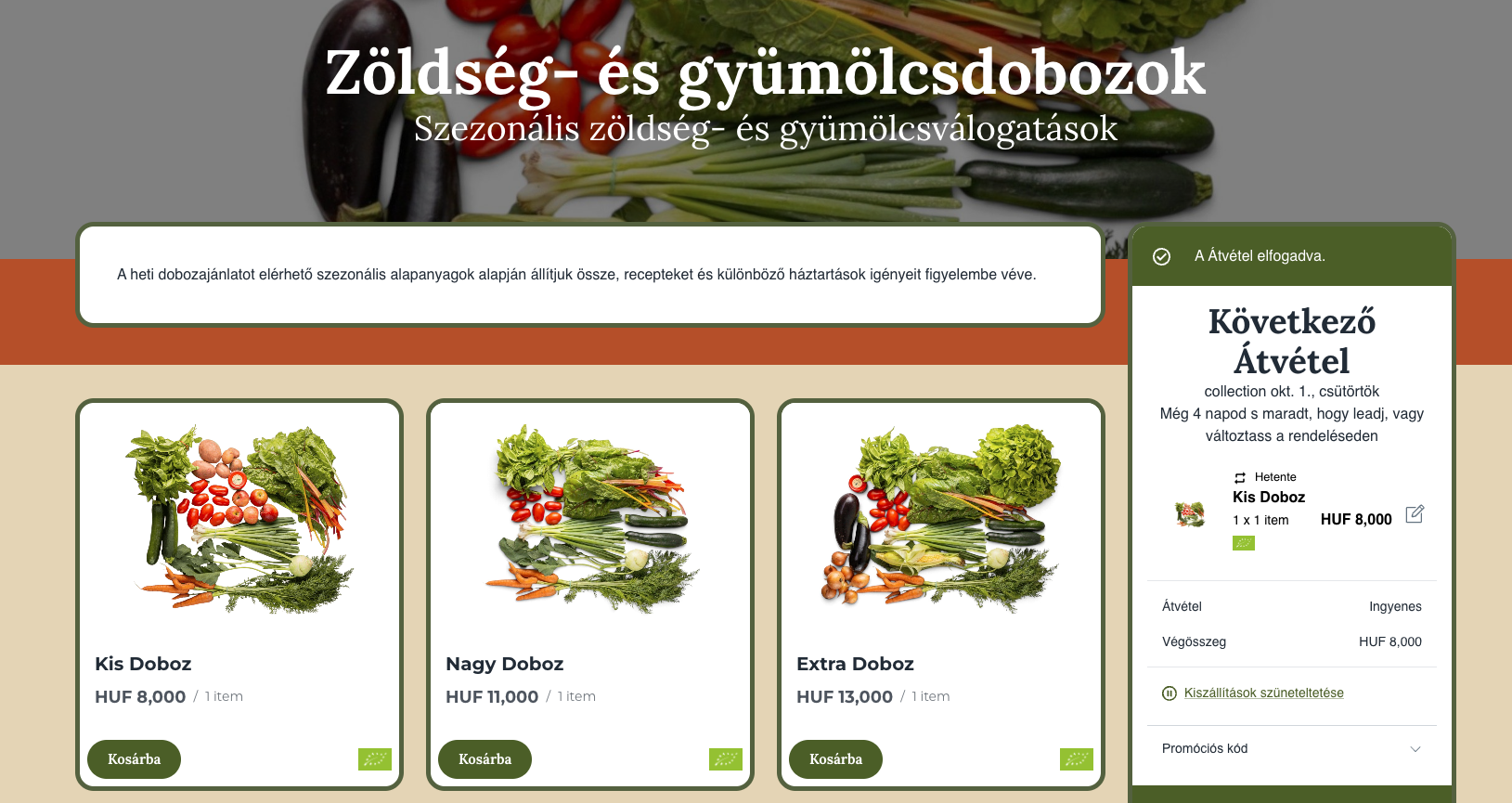
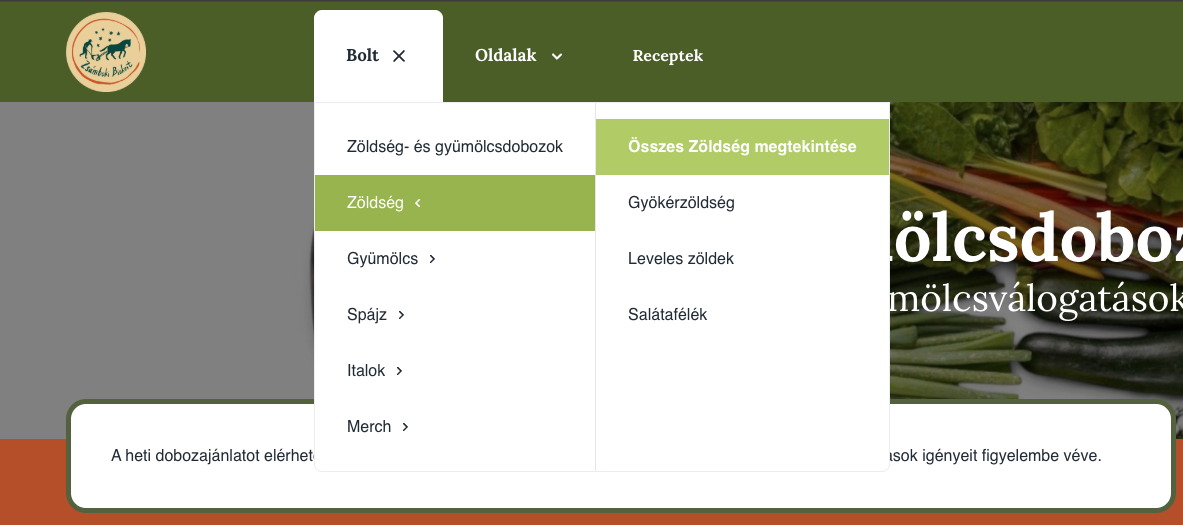
Shopping. Once that's done, you can browse the different product categories from the menu. Veg boxes can be set to repeat at whatever frequency you choose, and extra products can be ordered either once or on a recurring basis.
Editing your basket. You can change what's in your basket until Monday evening. Orders close then, and the system automatically charges the basket total to your card or account balance.
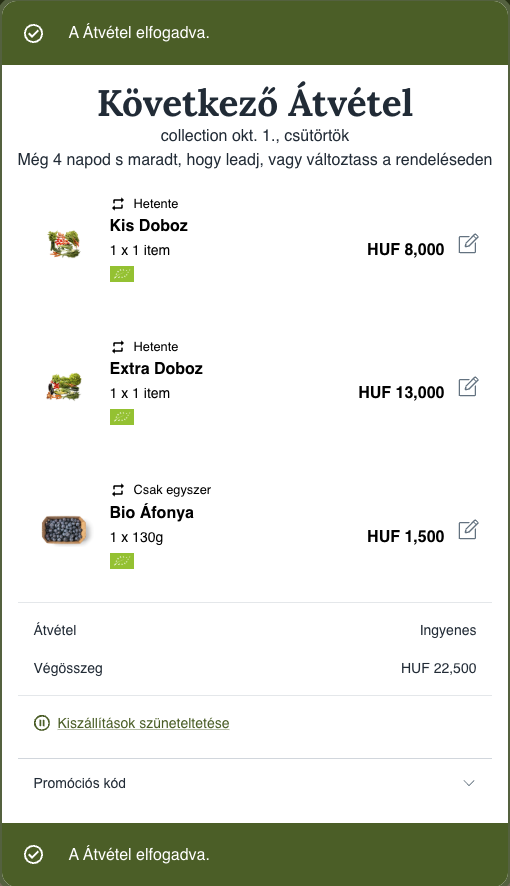
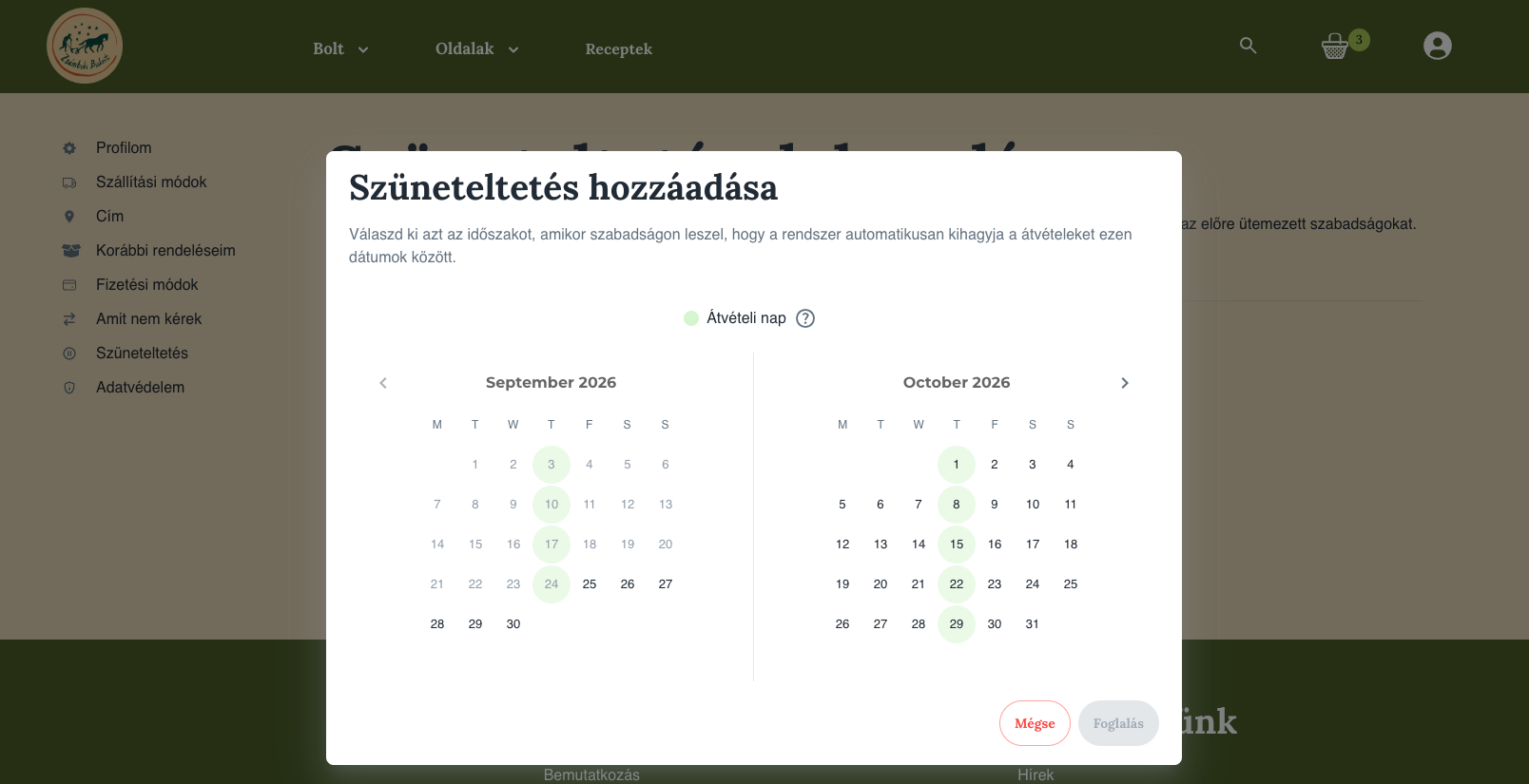
Pausing deliveries. If you'll be away and want to pause your recurring orders, there's a setting where you can mark the dates you won't be home so nothing gets delivered.